
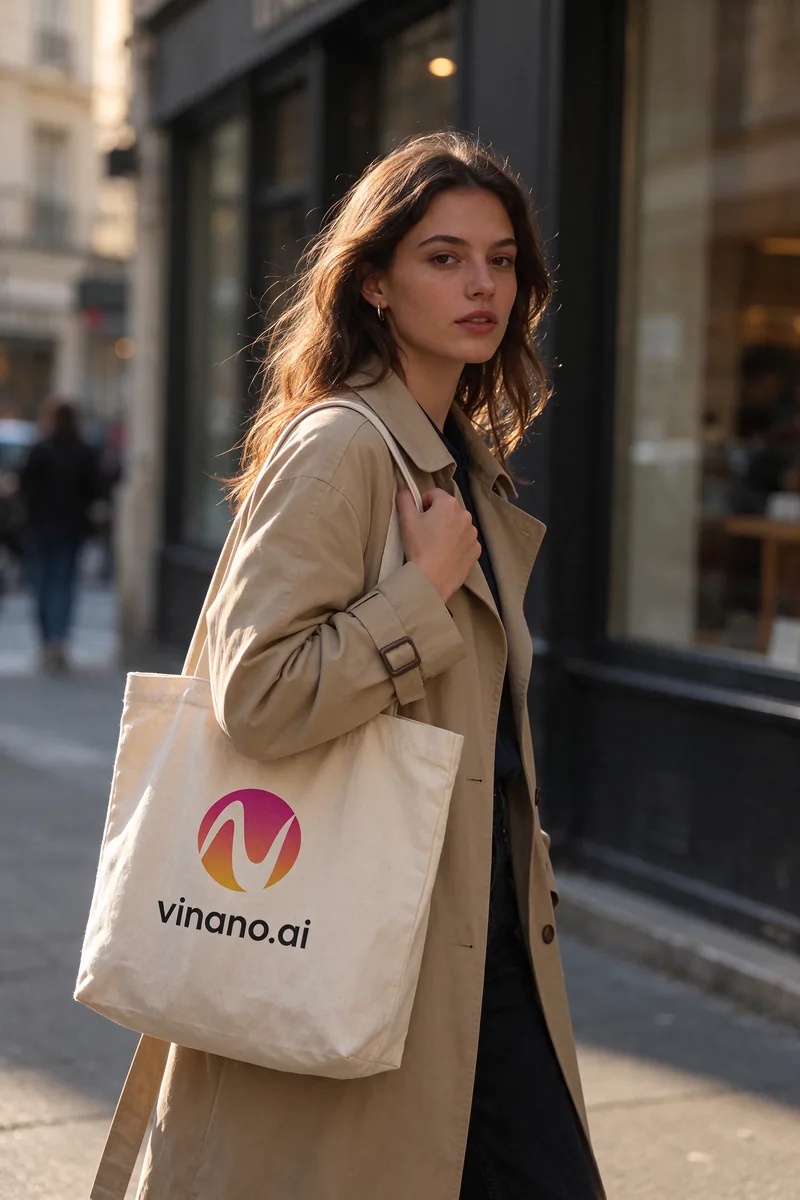
Photos that look like photos
Skin, fabric and light look natural rather than polished. Logos and printed text on objects stay in place, so a brand mark on a tote bag reads like it was really printed there.
ByteDance Seed · released November 9, 2026
Seedream 5.5 is the newest image model from ByteDance's Seed team, released on November 9, 2026. It makes realistic photos, keeps small text sharp, leaves untouched areas alone across repeated edits and can return a transparent PNG. On ViNano you can run it in the browser at 1K or 2K, with up to 10 reference images.
ViNano is an independent platform and is not affiliated with ByteDance. Model facts come from ByteDance Seed's Seedream 5.5 page. Every sample on this page was made by us with Seedream 5.5.
Try Seedream 5.5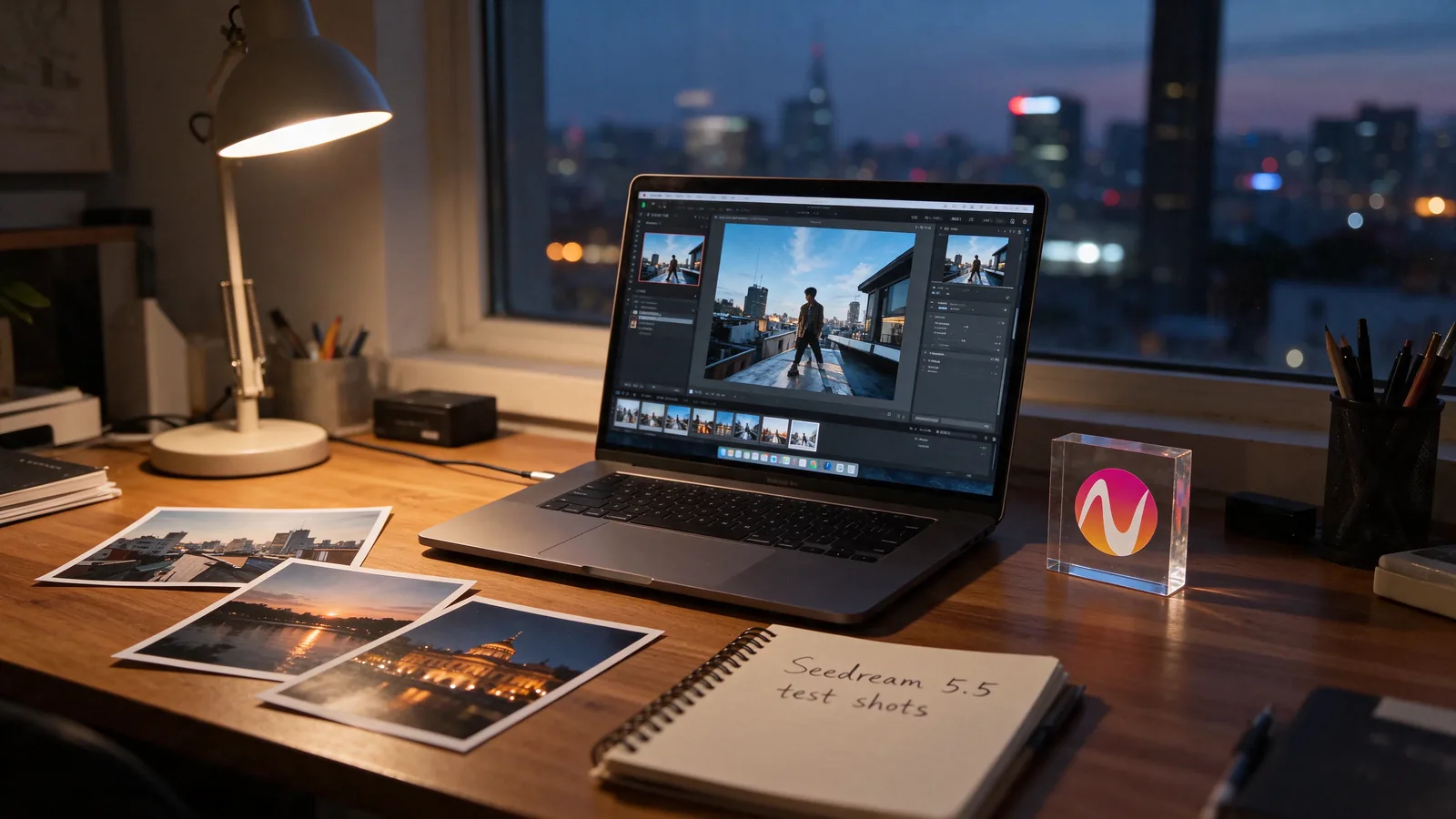
Content generated on this platform is produced by artificial intelligence models and does not represent the platform's position. [Disclaimer]. [Privacy Policy].
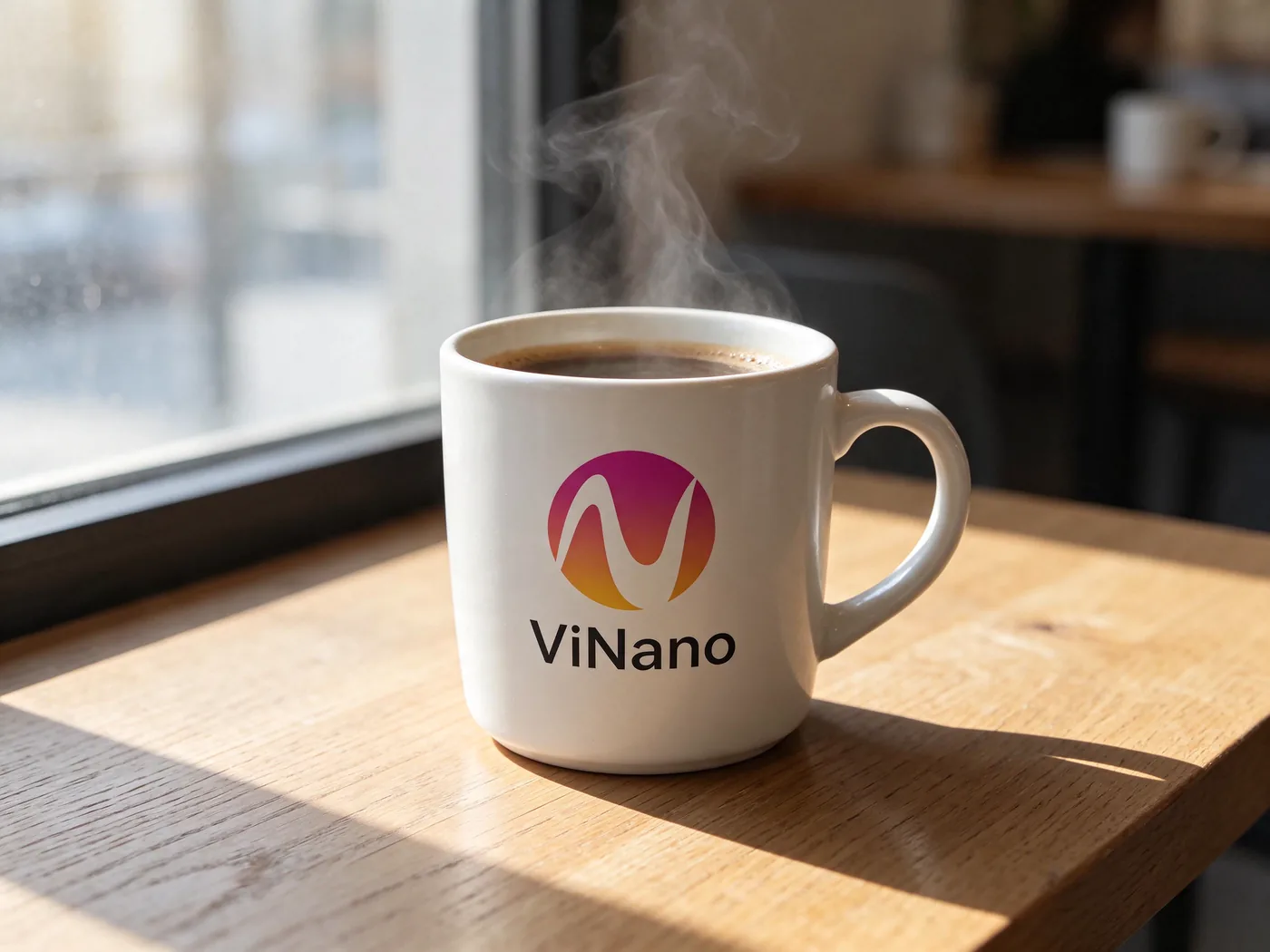
Seedream 5.5 improves on Seedream 5.0 in four places that matter for real work. The images below were made with Seedream 5.5 on ViNano; we added our logo as a reference image so you can see how it handles branding.
Skin, fabric and light look natural rather than polished. Logos and printed text on objects stay in place, so a brand mark on a tote bag reads like it was really printed there.
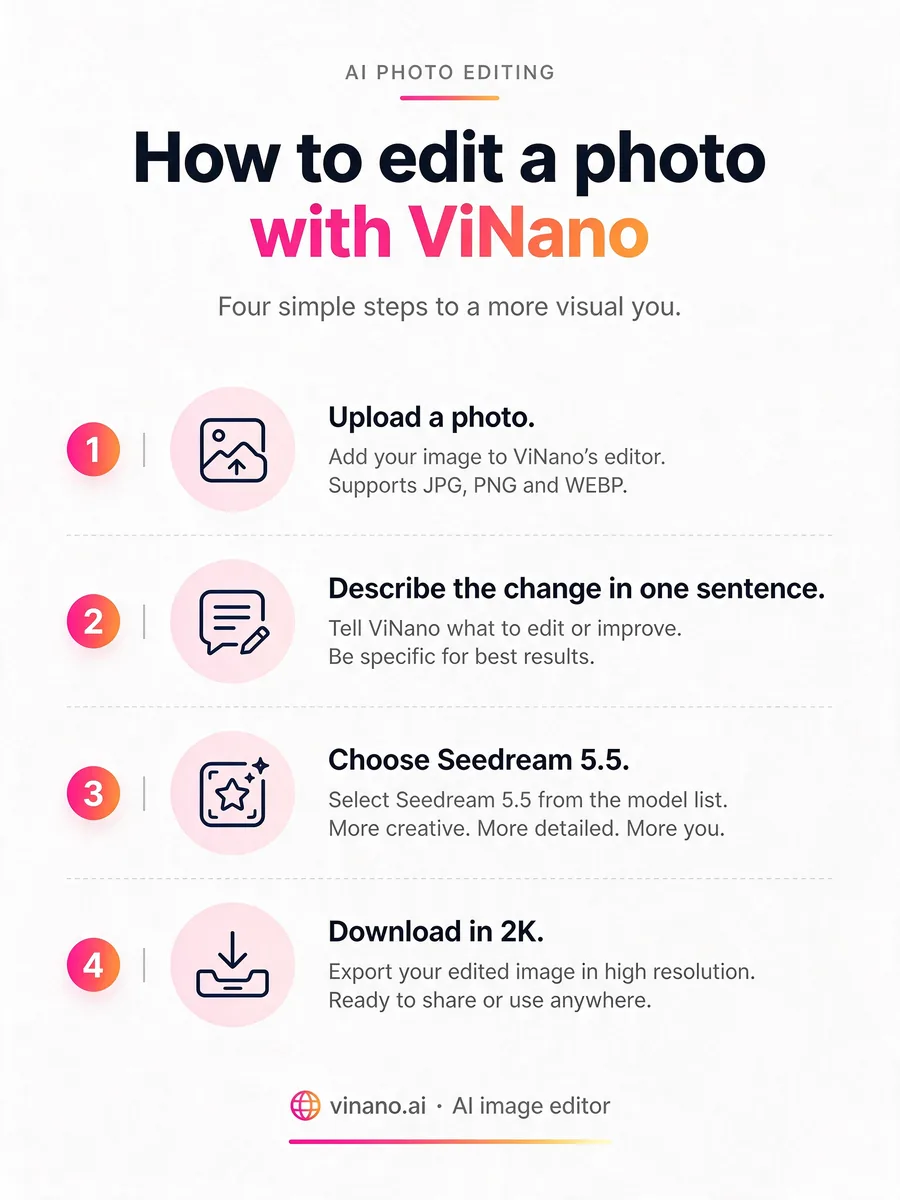
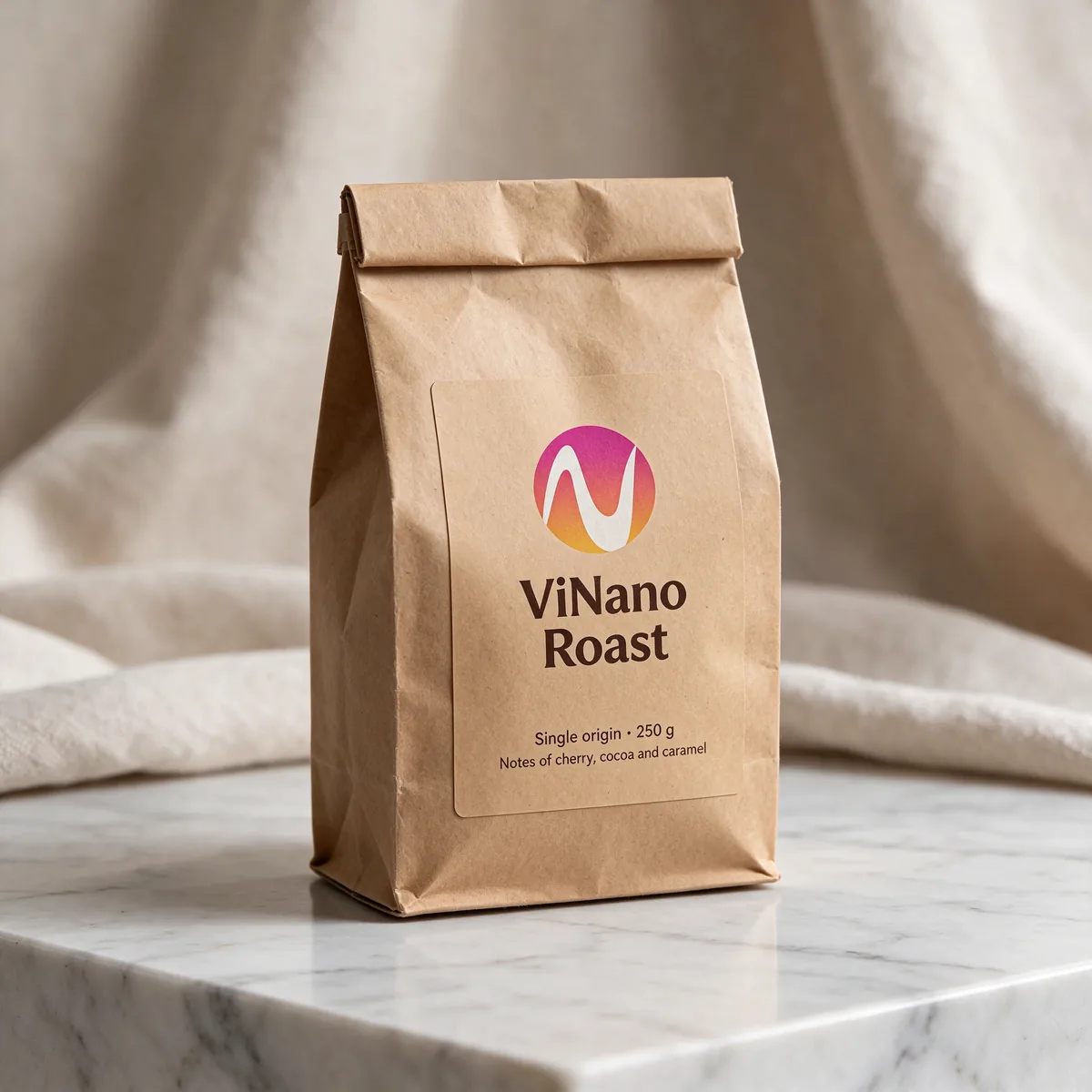
Labels, step lists and footers come out spelled correctly far more often. ByteDance reports severe distortion in 0.4% of dense small-text samples and minor errors in 1.7%. Still proofread long passages before you print.
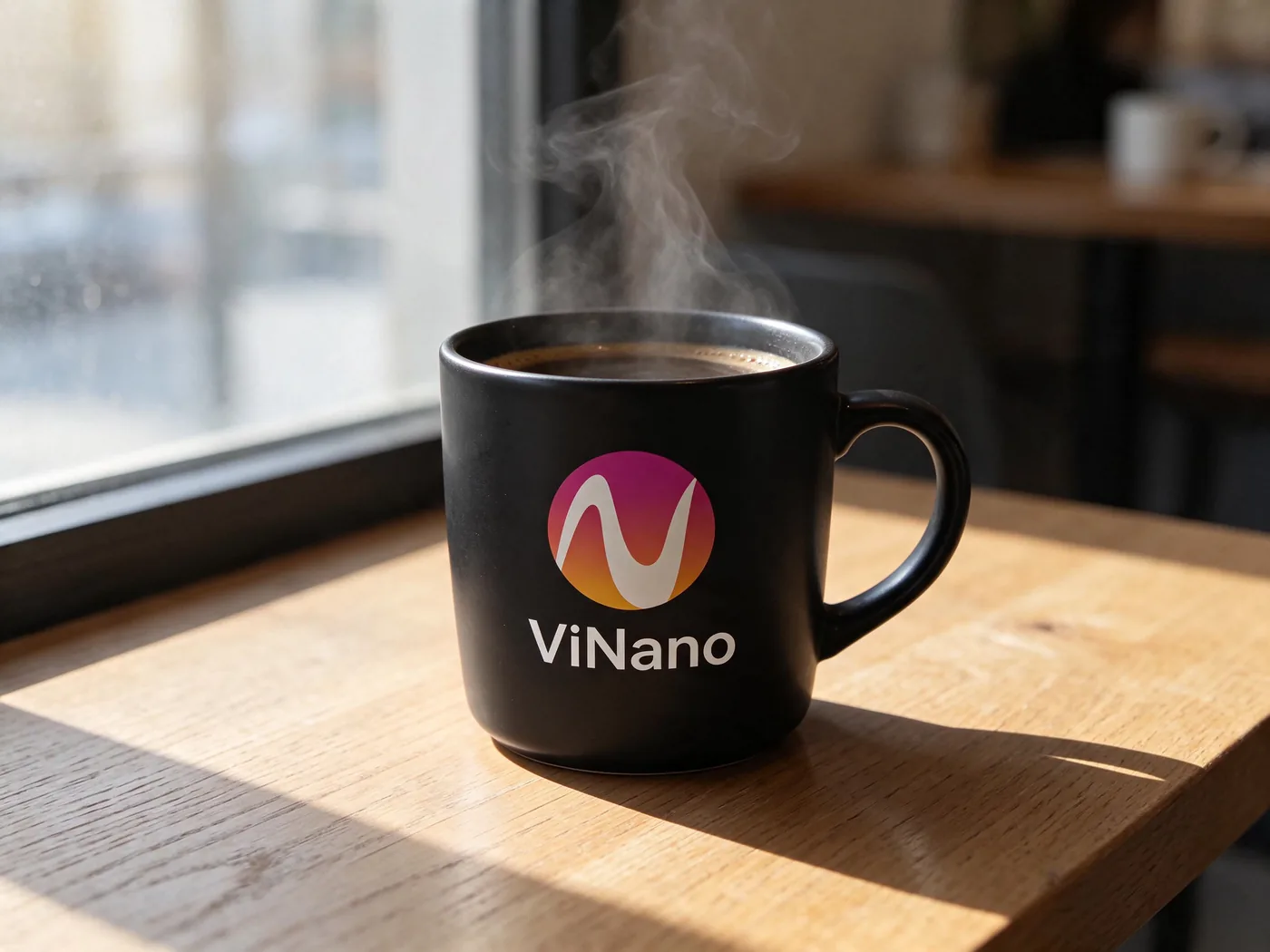
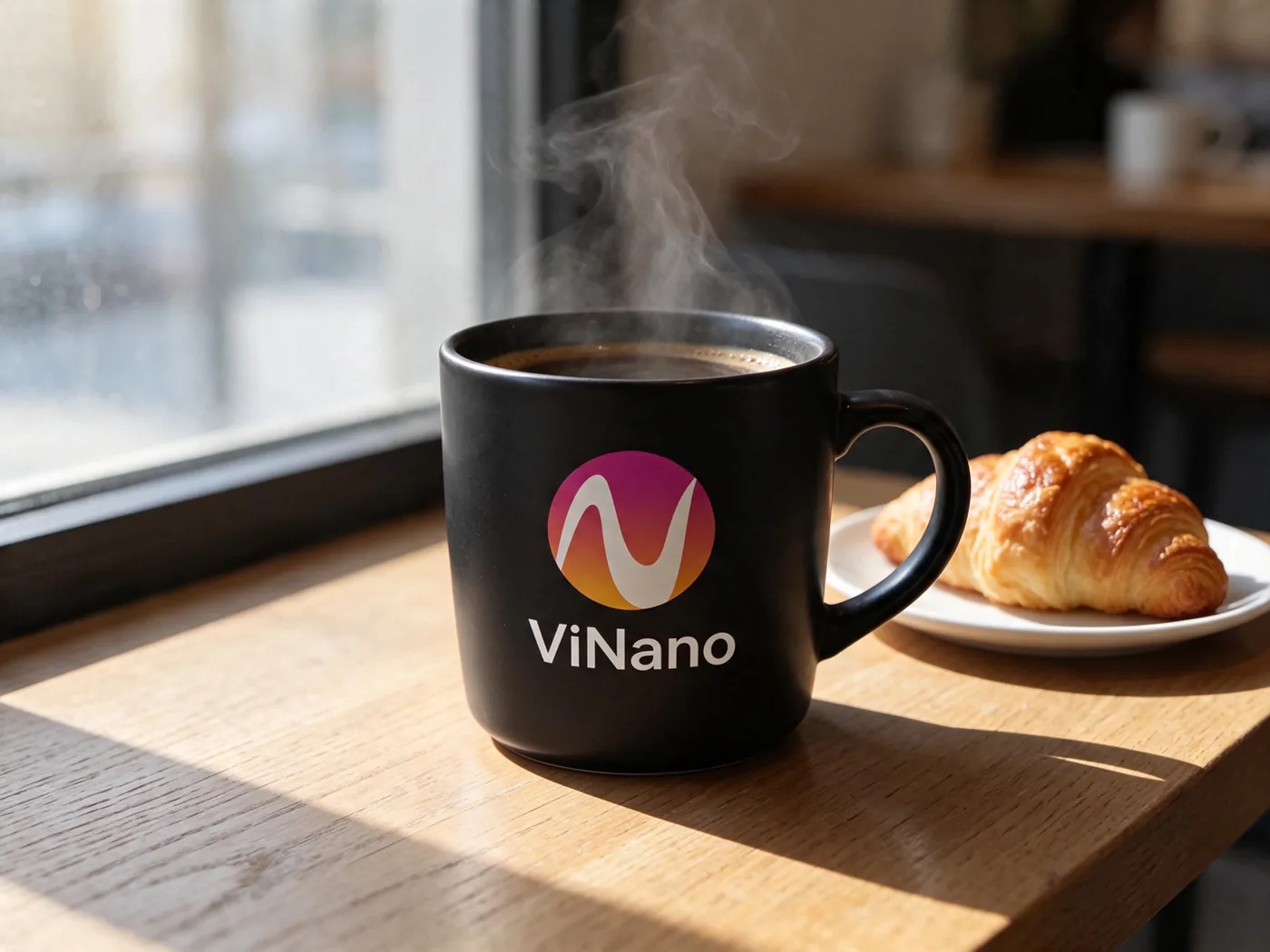
ByteDance says Seedream 5.5 keeps the areas you didn't ask to change pixel-stable for up to 100 rounds of edits, without color drift. We made two edits to one photo: first the cup changed color, then a croissant appeared, and the logo, table and window light stayed put.
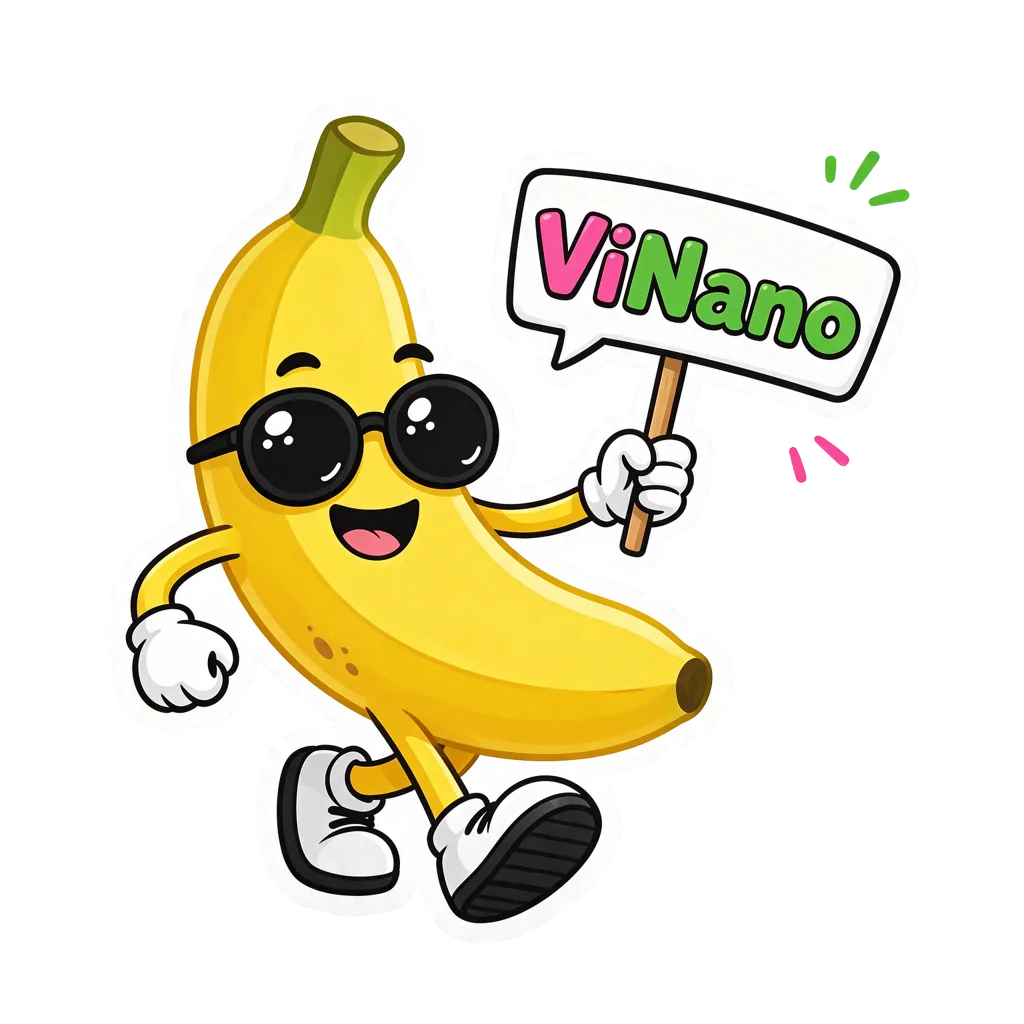
Seedream 5.5 can output an image with a real alpha channel, so stickers, icons and product cut-outs drop onto any background without a separate background remover.
On ViNano, write "transparent background" in your prompt (in any language the site supports) and we ask the model for a transparent PNG. Without those words you get a normal background.
Each prompt below is close to one we used for the samples above. Open one in the generator, then change the subject, the words on the image or the light.
Add your logo as a reference image first.
Photorealistic product photo: a matte white ceramic coffee cup on a light oak café table by a window, soft morning sunlight, a little steam rising. Print the logo from the reference image on the cup, with the brand name under it in a clean sans-serif. 50mm lens, shallow depth of field, natural colors.
Use this promptStreet-style portrait of a young woman in a beige trench coat walking on a city sidewalk at golden hour, carrying a natural canvas tote bag. Natural skin texture, soft rim light, candid expression, 85mm lens, shallow depth of field, realistic photo.
Use this promptStudio product mockup: a kraft paper coffee bag standing on a white marble counter. The label reads "Morning Roast" in bold type, with two small lines: "Single origin · 250 g" and "Notes of cherry, cocoa and caramel". Soft studio light, realistic paper texture, sharp readable small text.
Use this promptA clean infographic poster on a white background titled "How to make cold brew". Four numbered steps in a vertical layout, each with a simple line icon and a short caption: 1 Grind 80 g of coffee coarsely. 2 Add 1 liter of cold water. 3 Steep for 12 hours in the fridge. 4 Strain and serve over ice. Warm brown accents, crisp typography, generous spacing.
Use this promptA cute die-cut sticker of a cheerful cartoon banana wearing round sunglasses, holding a small sign that says "Hello". Thick white outline, flat vector style, bright colors, transparent background, no shadow.
Use this promptCinematic wide shot of a designer's desk at dusk: an open laptop showing a photo editing app, a few printed photos, a spiral notebook with the handwritten words "test shots", warm desk lamp light, city lights through the window. Realistic photo, shallow depth of field.
Use this promptThe generator on this page opens with Seedream 5.5 selected. In the AI image editor you can find it in the model list, marked New.
Describe the picture in a sentence or two. To edit, upload up to 10 reference images and say what to change and what to keep.
Pick 1K for drafts or 2K for final images, then a ratio such as 1:1, 4:3, 3:4, 16:9 or 9:16.
A 1K image usually takes about 20 seconds. Send the result back as a reference to keep editing, and download the original from your history.
ViNano runs four Seedream versions. Credits below are the price per image for paid accounts, read from the same settings the generator uses.
| Model | Sizes and credits | Best for |
|---|---|---|
| Seedream 5.5 | 1K 20 · 2K 30 | Realistic photos, small text, repeated edits and transparent PNGs |
| Seedream 5.0 Pro | 1K 35 · 2K 70 | Prompts you have already tuned for Seedream 5.0 |
| Seedream 5.0 Flash | 2K 15 | Quick 2K drafts at the lowest credit cost in the family |
| Seedream 4.5 | 2K 30 · 4K 30 | The only Seedream on ViNano that outputs 4K |
In ByteDance's own MagicArena tests, Seedream 5.5 beat Seedream 5.0 Pro in six use cases, posted a +55.62% realism result in image-to-image editing against the previous version, and led GPT Image 2.5 Sunburst and Nano Banana 2.1 on text structure. These are the developer's numbers, not an independent benchmark.
Seedream 5.5 also costs less than 5.0 Pro on ViNano: 20 instead of 35 credits at 1K, and 30 instead of 70 at 2K.
Seedream 5.5 needs a paid account, which means any credit pack or plan you have bought. You pay a flat price per image, and reference images don't add credits, whether you use one or ten.
Before your first purchase you can still spend credits on ViNano Image, Nano Banana and GPT Image 2.6 in the AI image editor.
See plans and credit packs| Resolution | Credits per image |
|---|---|
| 1K | 20 |
| 2K | 30 |
Seedream 5.5 is an AI image model from ByteDance Seed, the team behind the Seedream series. It turns text into images and edits existing images, with a focus on realistic photos, small text, repeated edits and transparent output. ByteDance also offers it in its own Dreamina app; ViNano runs it through API providers.
ByteDance released Seedream 5.5 on November 9, 2026. ViNano added it on November 13, 2026.
For most jobs, yes. In ByteDance's own tests it beat Seedream 5.0 Pro in six use cases and posted a +55.62% realism result in image-to-image editing against the previous version. On ViNano it is also cheaper: 20 credits at 1K and 30 at 2K, against 35 and 70 for 5.0 Pro. Keep 5.0 Pro if you have prompts that already work well with it.
Not on ViNano. It needs a paid account (any credit pack or plan) and costs 20 credits for a 1K image or 30 credits for a 2K image. Free accounts can use their credits on ViNano Image, Nano Banana and GPT Image 2.6.
1K and 2K. Common ratios include 1:1, 4:3, 3:4, 3:2, 2:3, 16:9, 9:16 and 21:9. For 4K, use Seedream 4.5.
It is built for this. ByteDance says areas you don't ask to change stay pixel-stable for up to 100 rounds of edits. In our test the logo, table and light stayed the same through two edits. Name what to keep in every edit prompt, for example "keep the face, the outfit and the background the same".
Write "transparent background" in your prompt. ViNano then asks Seedream 5.5 for a PNG with an alpha channel. Download the original from your history to keep the transparency. If you need to cut out an existing photo, use the background remover instead.
Up to 10 per request. They can be products, faces, logos or style references. On ViNano they don't change the price.
Not yet. ByteDance has said a Pro version is planned but hasn't given a date. We will add it when it is released.